
Controls for Build and Defend Your Raft
WASD and mobile sticks, plus the Shop, Crew, harpoon, timer, and gather HUD.
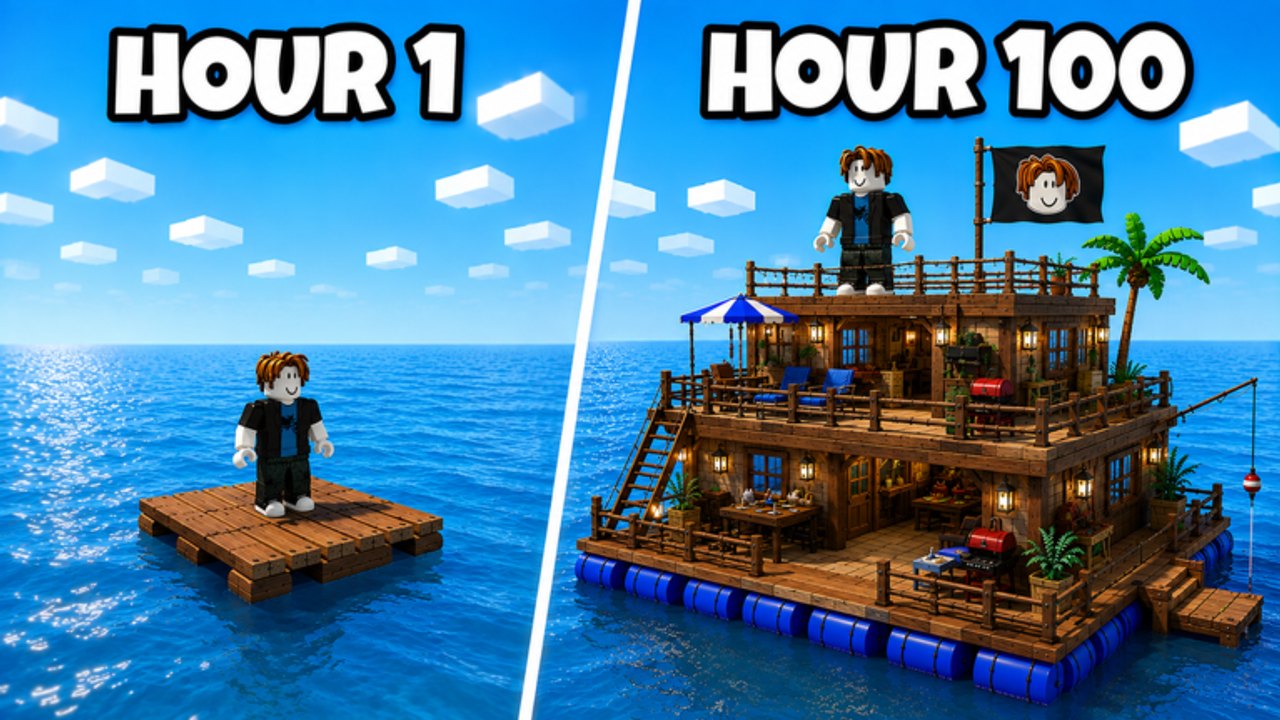
Build and Defend Your Raft uses ordinary Roblox movement plus a small cluster of on-screen actions. This page lists what we can verify: WASD and jump on PC, sticks on mobile, camera look, and the HUD widgets visible in live screenshots — Shop, Crew, timer, harpoon prompt, gather counters, and the Free Reward cannon. It does not invent extra keybinds, emote keys, or a custom remap overlay the game has not shown. If a button is not on this list, check the in-experience settings rather than a guess on this wiki.
Read this beside getting started during the first hour. Movement gets you to junk; the HUD tells you when to shoot, shop, or stop leaving the deck naked.
PC movement (standard Roblox)
- W A S D — move the avatar forward, left, back, and right relative to the camera.
- Space — jump. Use it to hop onto new deck tiles and over low railings; this wiki will not invent a double-jump that the experience has not advertised.
- Mouse — look around. Hold the right mouse button if your Roblox camera mode requires a hold to free-look; that is a Roblox client setting, not a unique raft bind.
- Left click — the world prompt Click to shoot harpoon is the verified fire action when you are aimed at gatherable junk. Do not assume a separate weapon wheel until the UI shows one.
- Shift / Ctrl / numbers — unpublished. If the game later prints a control card, this page will quote it. Until then, do not treat fan spreadsheets as binds.
Camera zoom and Roblox shift-lock follow your client defaults. They are not unique to Raft Pirates, and they will not aim the harpoon for you.
Mobile movement
- Left stick — move.
- Right side drag — look.
- Jump button — the standard Roblox jump control on the right cluster.
- Tap — fire the harpoon when the on-screen prompt is up, and tap HUD buttons (Shop, Crew, Redeem, Free Reward) directly.
If the on-screen keyboard covers Redeem when you open Shop, dismiss it before you tap the button. That failure shows up more often than a “broken code.”
HUD buttons you will actually use
These are verified from live Shop and HUD screenshots, not from a leaked key list.
- Shop (left, red basket) — opens Scrap packs (50 / 150 / 500 for 49 / 249 / 499 Robux) and the Redeem Codes field (
Enter code here..). Codes as of 31 August 2026 are listed on the Codes Hub — currently none. - Timer (top) — a countdown such as
01:58. Treat it as session pressure. When it is low, stop mid-build vanity and check whether loot is covered. It is also the cue to delay a raid if your own deck is open; see how to raid. - Crew (purple button, top cluster) — group up. Online PvP on an 18-player server punishes solo decks. Crew is how you keep someone on the raft while another player harpoons or boards.
- Click to shoot harpoon — world prompt. Look at junk, fire, reel in resources, fill gather objectives such as Gathered 0/5.
- Free Reward cannon (right) — a claimable HUD reward, not a secret weapon cheat. Tap it when it is ready, then go back to the harpoon.
- Gather counter — objective text on-screen. Finish the fraction before you start a decorative second story.
There is no verified dedicated “build mode” hotkey in public materials. Placement appears to run through the game’s own build UI once you have resources. Use how to build for footprint rules, not for an invented B-to-build bind.
What this page will not claim
No controller d-pad map, no custom harpoon charge key, no stealth crouch unless Roblox’s default crouch is enabled in your client, and no list of emote shortcuts. The official description cares about gathering, expanding, upgrading the Crafting Table, defending, and raiding — not about a 30-line key matrix. If a Saturday patch adds a control card, it will be quoted here after we see it in the HUD.
Learn the basket, the purple Crew button, the harpoon prompt, and the timer first. Those four widgets decide more fights than any unpublished bind. Then return to the first-hour order: gather, table, walls, and only then someone else’s chest.
Frequently Asked Questions
Quick answers to the most common raft, raid, and code questions.
What are the PC controls for Build and Defend Your Raft?
Standard Roblox: WASD to move, Space to jump, mouse to look, and left click when the harpoon prompt is up. Extra binds have not been published.
How do I play on mobile?
Left stick moves, right side looks, jump uses the usual on-screen button, and you tap Shop, Crew, Redeem, and the harpoon prompt directly.
Where is the Shop button?
Left side of the HUD, red basket. It holds Scrap packs and the Redeem Codes field. First-hour use is covered in getting started.
What does the top timer mean?
It is a live countdown on the HUD (screenshots show values such as 01:58). Treat it as pressure to cover loot and to avoid starting a raid with a naked home deck.